Making Tax Digital for Trades: What You Need to Know
A practical UK guide to Making Tax Digital for tradespeople. Learn who is affected, when deadlines kick in, what records to keep digitally, how quarterly reporting works and how to prepare.
Making Tax Digital for Trades: What You Need to Know
If you're a builder, electrician, plumber or any kind of sole trader in the UK construction trade, Making Tax Digital (MTD) for Income Tax is coming. Whether it affects you in 2026, 2027 or 2028 depends on your income — but the time to prepare is now, not when the deadline hits.
This guide explains what MTD means for tradespeople, who needs to comply, when the deadlines kick in, and exactly what you need to do to get ready.
What Is Making Tax Digital?
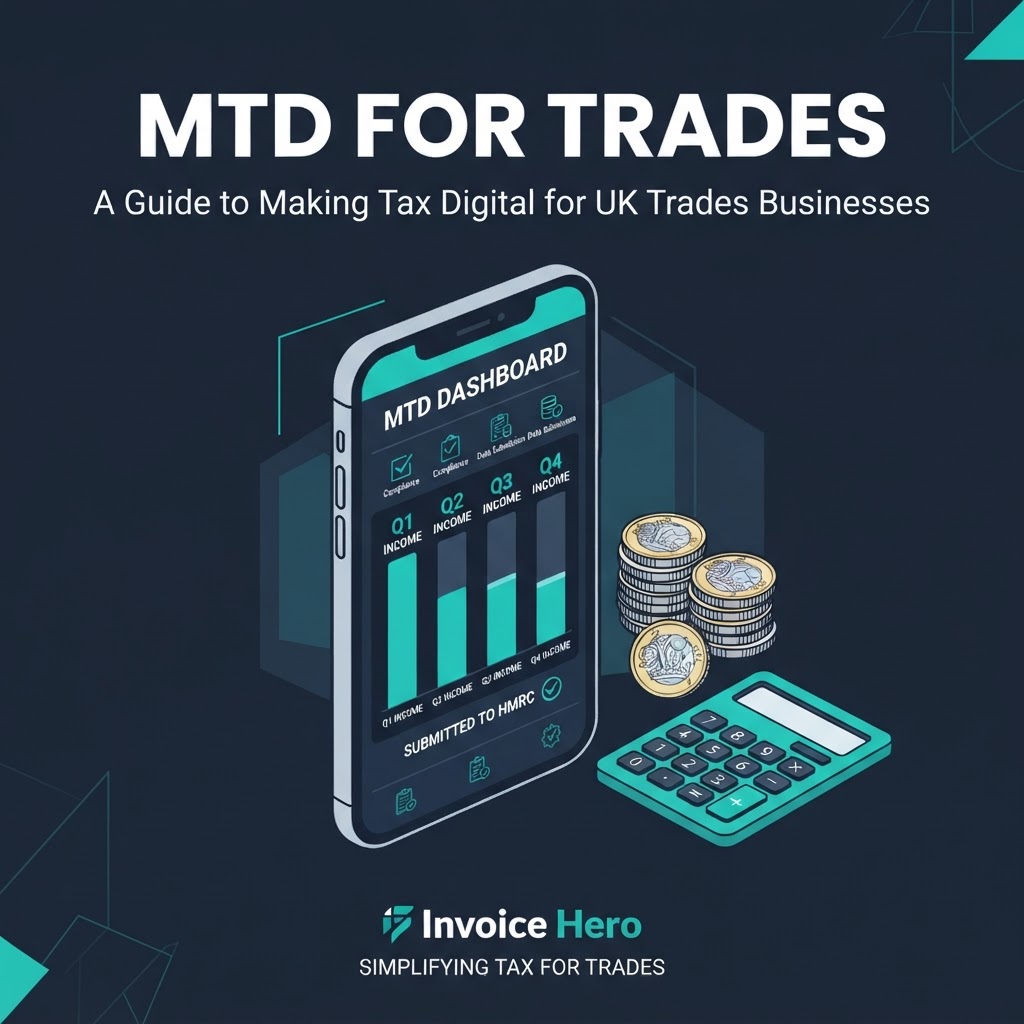
Making Tax Digital is HMRC's push to move the UK tax system onto digital records and reporting. Instead of one annual Self Assessment tax return, eligible sole traders will need to keep digital business records and send quarterly updates to HMRC through compatible software.
MTD is already in place for VAT-registered businesses. The next phase — MTD for Income Tax Self Assessment (MTD ITSA) — applies to sole traders and landlords.
Who Needs to Use MTD for Income Tax?
HMRC is rolling out MTD ITSA in stages based on your qualifying income:
From 6 April 2026: If your qualifying income was over £50,000 in the 2024/25 tax year From 6 April 2027: If your qualifying income was over £30,000 in the 2025/26 tax year From 6 April 2028: If your qualifying income was over £20,000 in the 2026/27 tax year
Qualifying income means your gross turnover from self-employment and property income combined, before expenses. It's not your profit — it's your total income from all sole trader and landlord activities.
If you have a limited company, MTD for Income Tax does not apply to you through the company. However, MTD for Corporation Tax is being trialled from April 2026 for some businesses, so keep an eye on HMRC guidance.
What Records Do Tradespeople Need to Keep Digitally?
Under MTD, you must keep digital records of all your business income and expenses. This means using MTD-compatible software rather than paper records or basic spreadsheets.
Your digital records should include:
- All sales and income with dates and amounts
- Invoice details (invoice number, client, amount, date)
- All business expenses, categorised by type
- Dates and amounts for each expense
- VAT information if you're VAT-registered
- Any adjustments or end-of-year allowances
- Supporting evidence: receipts, mileage logs, bank statements
- Subcontractor records if you work under CIS
The key change is that records must be maintained digitally throughout the year, not just compiled at tax return time.
How Often Do You Report Under MTD?
Instead of one annual Self Assessment, MTD introduces:
Quarterly updates: You submit income and expenses to HMRC every quarter through your software. These are not tax bills — they're summaries of what you've earned and spent.
Annual end-of-period statement: After your tax year ends, you finalise your figures, claim any allowances, and confirm your profit or loss.
Final declaration: This replaces the traditional Self Assessment tax return. It confirms your total income, tax owed and any adjustments.
The quarterly updates are not four separate tax bills. They're progress reports. Your actual tax is still calculated once a year based on your finalised figures.
How to Prepare for MTD
-
Separate business and personal money Open a dedicated business bank account if you haven't already. Mixing personal and business transactions makes digital record-keeping much harder.
-
Issue consistent invoices Use proper invoicing software that records every sale automatically. Invoice Hero lets you create branded invoices, track payments and export data — all of which feeds directly into your digital records.
-
Capture expenses as you go Don't leave expenses until the end of the quarter. Use a receipt-capture app or log them in your accounting software the same day.
-
Choose MTD-compatible software Your software must be able to connect to HMRC's API and submit quarterly updates. Check HMRC's published list of MTD-compatible software. Invoice Hero handles invoicing and income tracking, which feeds into your MTD reporting.
-
Authorise your software with HMRC Before you can submit updates, you'll need to authorise your software to interact with HMRC on your behalf. This is a one-time setup done through your Government Gateway account.
-
Build weekly admin time into your routine Spend 20–30 minutes a week keeping your records up to date. It's far easier than catching up at quarter-end.
MTD Checklist for Tradespeople
- Check your qualifying income against the thresholds
- Know your start date (April 2026, 2027 or 2028)
- Open a separate business bank account
- Choose MTD-compatible software
- Start keeping digital records now
- Capture receipts and expenses weekly
- Authorise your software with HMRC before your start date
- Submit quarterly updates on time
- Finalise your end-of-period statement after year end
- Keep supporting documents for at least 5 years
Common Questions from Tradespeople
Do builders and electricians need MTD? Yes, if your sole trader income exceeds the threshold. MTD applies to all self-employed individuals, not just office-based businesses.
I have a limited company — does MTD ITSA apply to me? No, MTD for Income Tax Self Assessment applies to sole traders and landlords. Limited companies will eventually fall under MTD for Corporation Tax, which is being trialled from April 2026.
Can I still use spreadsheets? Only if your spreadsheet software is MTD-compatible (can connect to HMRC's API). Plain spreadsheets without API integration won't meet the requirement. Many tradespeople find dedicated accounting software easier.
What if my income drops below the threshold? If your qualifying income falls below the threshold, you may be able to exit MTD. However, you should check HMRC guidance for the exact rules, as they depend on how long your income has been below the threshold.
What happens if I don't comply? HMRC can charge penalties for failing to keep digital records, missing quarterly updates or submitting late. The penalty system is points-based.
How Invoice Hero Helps You Get Ready for MTD
Invoice Hero already does much of what MTD requires:
- Digital invoicing — every invoice is recorded automatically
- Income tracking by tax year — see your turnover at a glance
- VAT calculations — automatic VAT on every invoice if you're registered
- Client management — all your customer details in one place
- PDF export and records — everything is stored digitally
- Bank connection — match transactions to invoices
Pair Invoice Hero with MTD-compatible accounting software and you've got a complete digital record-keeping system. Try Invoice Hero free at invoicehero.co.uk/register
This article provides general information about Making Tax Digital. Tax rules change, and your circumstances may be different. Always check current HMRC guidance at gov.uk or speak to a qualified accountant.
FAQ
What is Making Tax Digital for Income Tax? It's HMRC's requirement for sole traders and landlords to keep digital records and send quarterly income updates through compatible software, replacing the annual Self Assessment.
When does MTD start for sole traders? From 6 April 2026 for those with qualifying income over £50,000, from April 2027 for income over £30,000, and from April 2028 for income over £20,000.
Do I need an accountant for MTD? Not necessarily, but many tradespeople find one helpful. MTD-compatible software can handle the submissions, but an accountant can help with tax planning and ensuring your records are correct.
Can tradespeople still do Self Assessment? MTD replaces the traditional Self Assessment return for those within the thresholds. Your final declaration under MTD serves the same purpose.
Is MTD the same as VAT? No. MTD for VAT is already in place for VAT-registered businesses. MTD for Income Tax is the new phase affecting sole traders' income reporting.